The 5-minute walkthrough
How Studio works.In 8 steps.
From the first inquiry to a member checking in and paying, here's what changes at your gym. Click through in order, or jump to what matters to you.
Step 1 · Grow
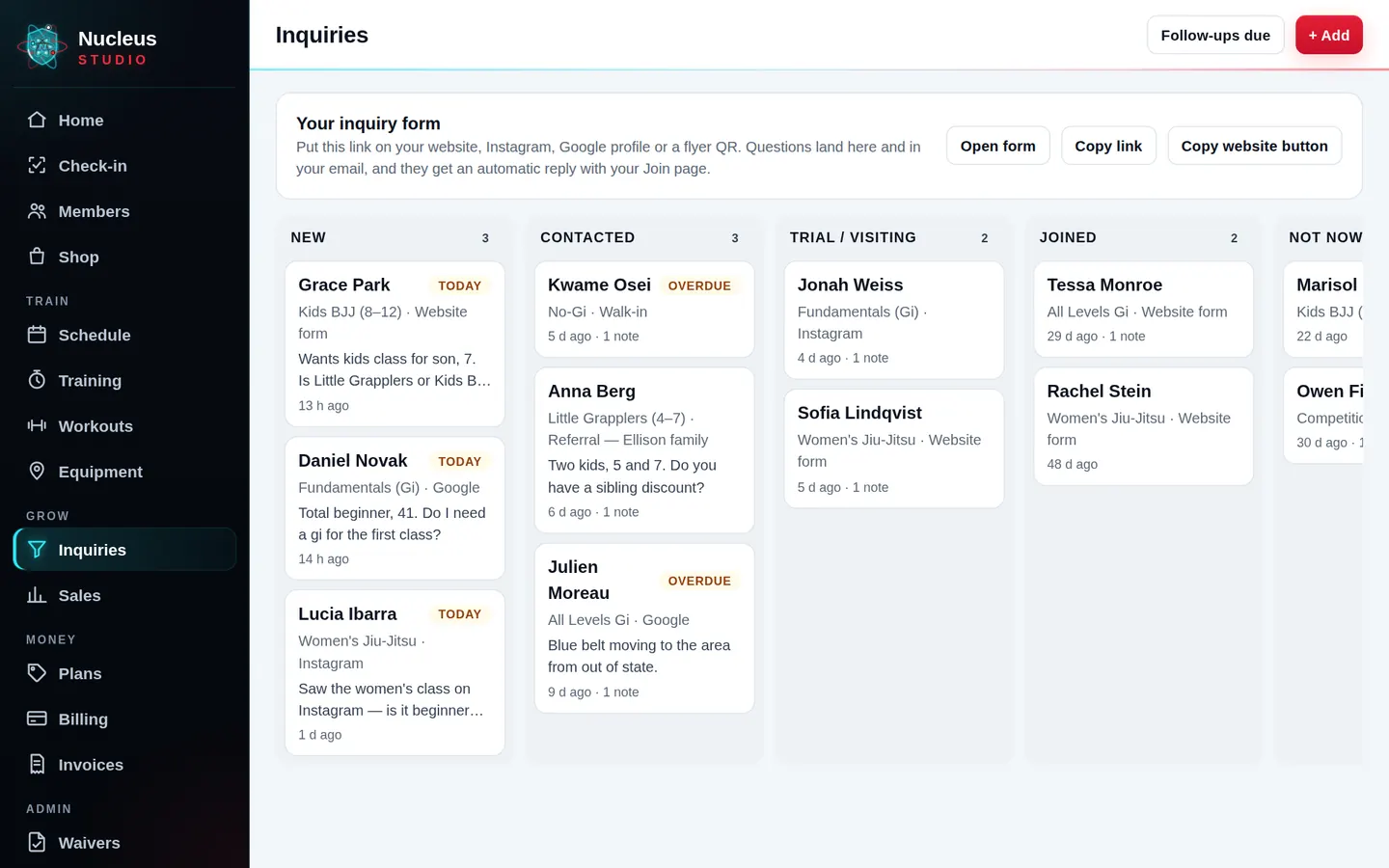
Every inquiry lands in one place.
Today: Leads come in from Instagram, your website, walk-ins and texts, and some never get a call back.
- Your website, Join page and question page all feed one leads board: New, Contacted, Trial booked, Joined.
- Thank-you and reminder follow-ups go out by themselves, and stop when they join.
- See where every lead came from: Instagram, Google, a referral or a walk-in.
Step 2 · Sign up
New members join and pay before they walk in.
Today: Paper waivers, a clipboard at the desk and chasing a first payment.
- They pick a plan, add their kids and sign the waiver with a finger on the Join page.
- One free trial per person, matched by email, phone and name.
- They're in your member list, paid, before their first class.
Step 3 · Your members
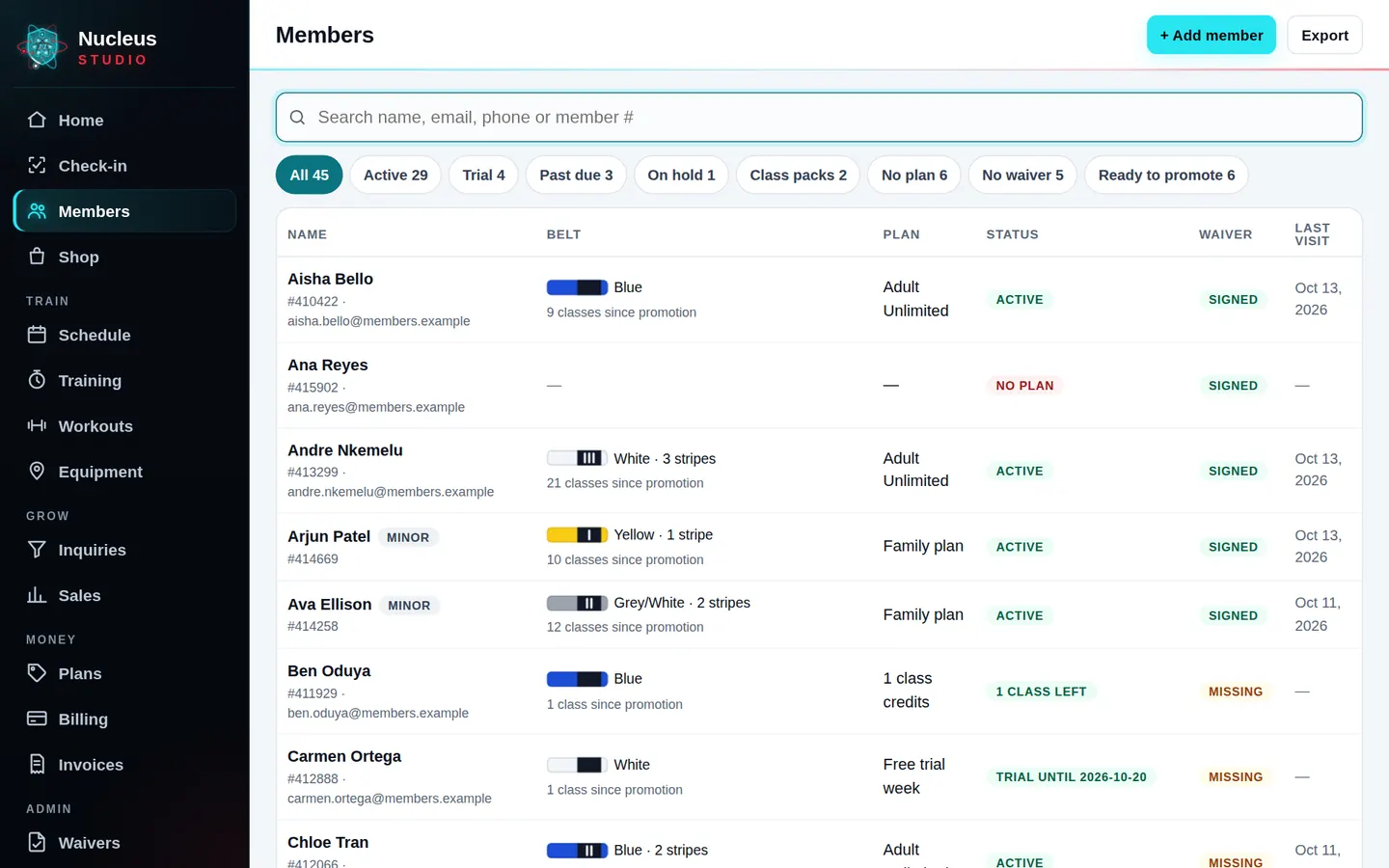
Everyone, their plan and what they owe, at a glance.
Today: A spreadsheet, a payment app and your memory, never quite in agreement.
- Families on one account, plans that renew themselves, freezes and cancellations in a tap.
- Bring your members over from a CSV for free, or we move them for you.
- Notes, ranks, attendance and payments on each member.
Step 4 · The front door
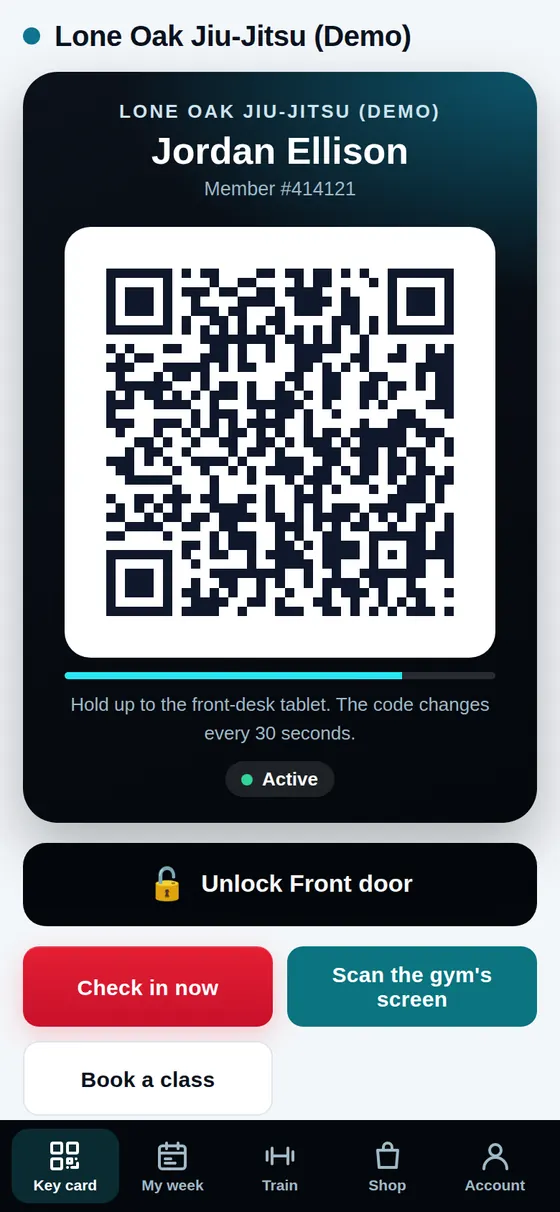
Members check themselves in.
Today: Someone has to stand at the desk to know who came in and who's behind on paying.
- A key card on each member's phone, scanned by a locked front-desk tablet. It works with no signal.
- Past-due members get a heads-up at check-in, or are stopped. You pick.
- Attendance counts itself for ranks and reports.
Step 5 · Classes
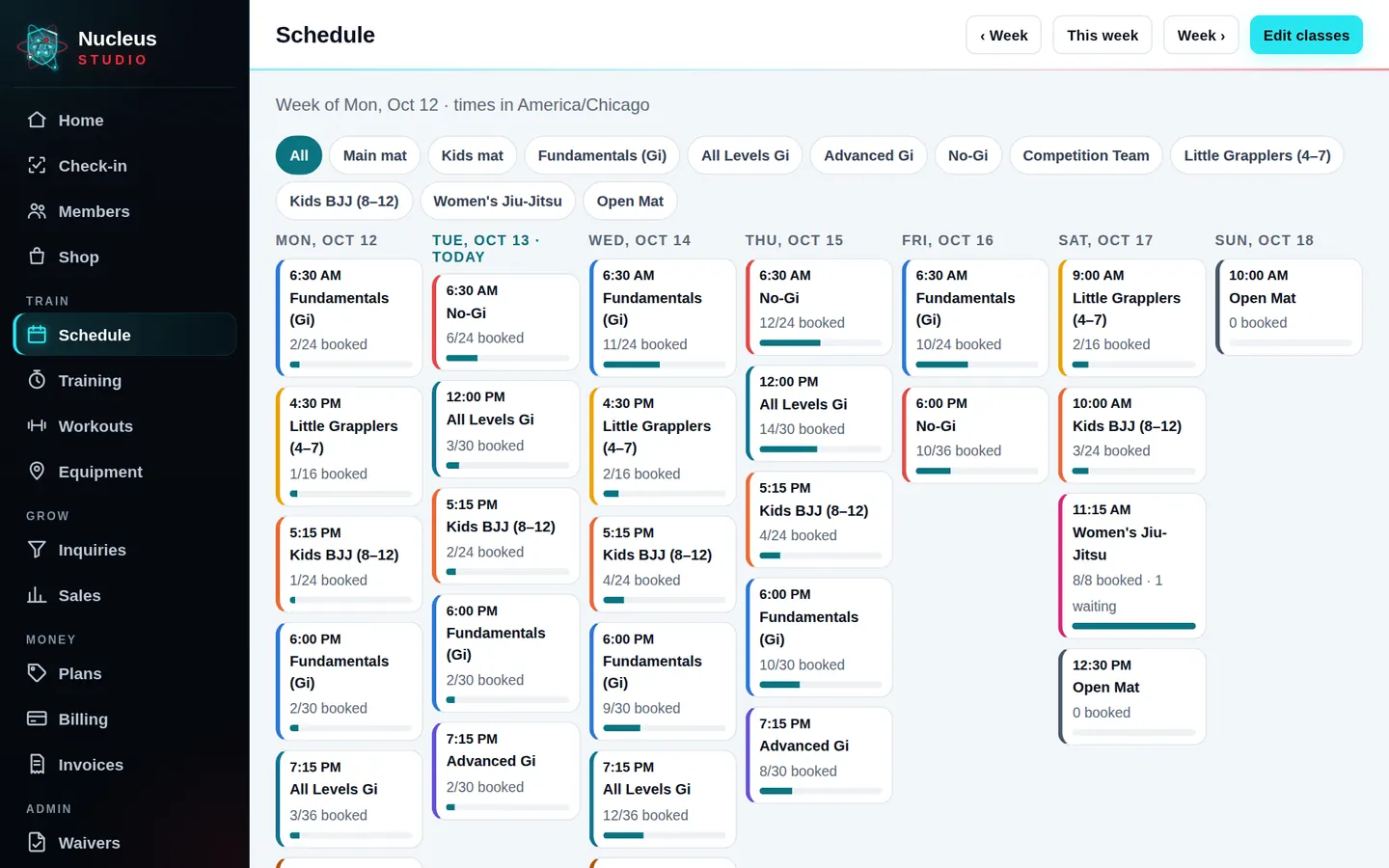
Your schedule, with booking if you want it.
Today: Class changes go out by group text, and half the people miss it.
- Weekly classes by room and coach. Turn booking on for caps and waitlists, or leave it off.
- Cancel a class or bring in a sub, and everyone who'd show up hears about it.
- Coaches see their own week on their phone.
Step 6 · Money
Payments that chase themselves.
Today: Failed cards you find out about weeks later, and awkward conversations at the desk.
- Members pay into your own Stripe account. Nucleus charges no fee on your payments; Stripe charges its normal processing fees.
- Failed payments are retried, and reminders go out on day 0, 3, 7 and 14 with a one-tap "Update my payment" link.
- A past-due report and a statement for each member, when you need them.
Step 7 · In their pocket
Your gym in every member's phone.
Today: Members asking the front desk the same questions every day.
- It installs to the home screen with your logo. No App Store download.
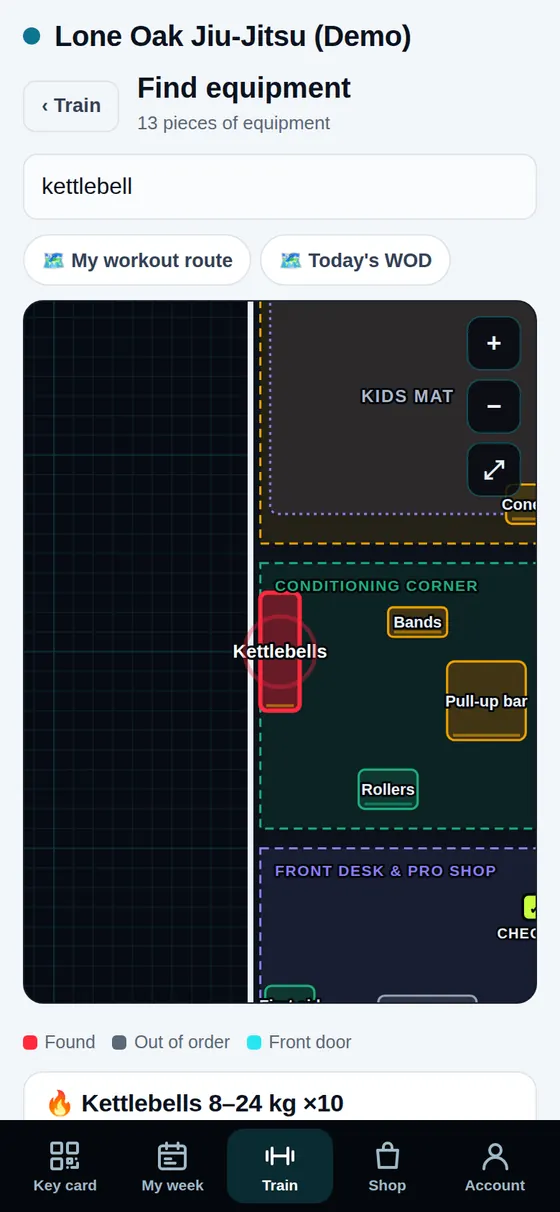
- Their week, their key card, their rank and progress, and the workout of the day.
- An AI front desk, included in every plan, answers members and visitors any time from your schedule, plans and notes. It books classes and sends pay links, and hands refunds or anything it isn't sure about to you in the AI inbox.
Step 8 · Getting started
Up and running in about an hour.
Today: Switching software sounds like a month of headaches.
- Sign up in about two minutes and start from a sample schedule, plans and waiver for your kind of gym.
- A step-by-step go-live guide ticks itself off as you go: plans, payments, members, the tablet, your first check-in.
- Rather have a hand? Guided setup or a full member move, each one flat price.
What it costs
Every feature, from $119/month.
Priced by active members, with nothing to unlock: the AI front desk is included. 30 days free, no card, no contract. Founding gyms: 35% off monthly for your first 2 years. Nucleus charges no fee on your payments.
Guided setup $449 flat · We move your members $299 flat · or do it yourself free.