Does Nucleus take a fee on our payments?
No — 0% platform fee. Nucleus charges no fee on your payments; your payment provider (Stripe, Square) charges its normal processing fees. Members pay you through your own account, the money goes straight to your bank, and you pay Nucleus one flat monthly price by active members. The same goes for tournament entry fees, invoices and the shop.
How do members pay?
Your choice. Take payments in Studio: through your own Stripe account, set up in your gym's name, and we run it for you. Connect Stripe once in Settings → Payments (about 5 minutes; Stripe asks for your business and bank details). Members pay by card, Apple Pay, Google Pay or straight from their bank account (ACH), and the money goes straight to your bank. Studio does the rest: auto-pay for memberships, invoices, reminders, receipts and failed-payment follow-up. Nucleus charges no fee on your payments; your payment provider (Stripe, Square) charges its normal processing fees, and bank payments cost much less than cards. Or keep your own account: smaller gyms and academies can use Venmo or Square instead of, or next to, Stripe: the member pays your Venmo Business username or your Square link, taps "I paid", and you confirm it with one tap (connect Square and it's marked paid on its own). Venmo and Square links don't do auto-pay. Cash, checks or your own card terminal are recorded at the desk.
What does the AI front desk do?
It answers people on your gym website, Join and question pages and in the member app, day or night, from your own hours, plans, this week's classes and FAQ. It can book and cancel classes and send a member their pay link (payment always happens on Stripe's page), and anything it can't answer goes to you as an inquiry, with a "Needs you" inbox and a log of every action. You choose where it works, when (all the time or only after hours) and its tone, and you can pause it for a holiday. It's included in every plan.
Can an AI answer our gym's phone?
Yes, with the one optional add-on: the AI phone receptionist, $29/month for 250 minutes a month. It answers your Studio number day or night in English or Spanish, from your class schedule, the plans on your Join page and your own notes. It books a free trial class, takes messages (urgent ones come to you right away) and puts callers through to you while the gym is staffed. It always says it's an AI and that the call may be recorded, and it never makes up a price. Every call lands in your AI inbox with a summary and the transcript. You can have your phone ring first and let the AI answer only when nobody picks up. Past 250 minutes in a month, calls get the free missed-call text back until the 1st, so there are no overage charges. Turn it on or off any time in Settings → Text messages; it's added to or taken off your next bill. It's the same price for every gym: founding and Switch & settle discounts come off your plan, not the receptionist.
Can our Spanish-speaking members and families use it?
Yes. Your gym website, Join and question pages come in English and Español (on by default), and the AI front desk answers in Spanish. When someone writes in Spanish, you read their inquiry or chat in English. "Translate with AI" puts your own website words, like your headline, about and FAQ, in Spanish for you to check.
Do I have to talk to a salesperson?
No. Prices are on this page, the live demo needs no sign-up, and the trial needs no card. If you want help, a real person answers the same business day.
Is there a contract?
No. Studio is month to month, or yearly if you want two months free. Your price is locked for 12 months, and any change after that comes with 60 days' notice.
What is founding pricing?
The first 20 gyms (and every beta tester) get 35% off monthly for your first 2 years: 35% off each monthly bill for your first 24 paid months, then the normal monthly price. Founding pricing is for monthly billing. Yearly billing is the normal yearly price (two months free) with no founding discount. If you're also switching from another system, founding pricing takes the place of Switch & settle.
How do I move my members over?
Two ways, no call either way. Do it yourself for free in Settings → Import members: upload the export from Gymdesk, ABC Glofox, Mindbody, Zen Planner or PushPress (or any spreadsheet), check the columns and the preview, and Studio brings in members, families, plans, belts and check-in history. Or send us your export and we move everything for $299 flat. Keep your old system running while you do: with Switch & settle your first 2 paid months are half price, and you cut over any day you like. The import never charges anyone. When you're ready, one tap emails members a link to set up automatic payments.
Who can see our gym's data?
Only the staff logins you create, each limited to their role, and each member sees only their own information (parents see their kids'). Nucleus staff only look when you ask us for help. Your data is never sold, shared with other gyms or used to train AI.
What happens to our data if we stop using Studio?
You can export members, waivers and payments any time. If you leave, we send you a complete copy — including signed waivers — and delete your data from our systems within 30 days. It's in the Data agreement.
What happens when a payment fails?
Stripe retries automatically. Studio marks the member past due and sends friendly reminders on day 0, 3, 7 and 14, each with a one-tap link to update their card or bank, no sign-in needed. It shows a heads-up at check-in, and you choose whether past-due members can still check in. Billing shows how much was recovered each month.
What if a member just won't pay?
Studio keeps chasing it for you, automatically and cheaply: Stripe's retries, the reminders above, then a final notice at 30 days (an email, plus a letter with your logo you can print or save as a PDF) with the amount, how to pay and a pay-by date. If you want, Studio pauses their booking, check-in and door access after a number of days you pick. After that, the next step is yours: Studio gives you a past-due report and a statement for each member (dates, invoices, amounts, every reminder with its time and every payment attempt) to hand to a collections agency or small claims court. Nucleus is not a collection agency and never takes a percentage of what you collect.
What's the free Huddle Plus?
Huddle is the family app from Nucleus: one calendar, family chat and check-ins, groceries and meals, chores and Bible study. As the owner of a gym on Nucleus Studio, your family gets Huddle Plus free ($119/yr value) while your gym's account is active. Your code is on Your Studio plan; tap Open Huddle and enter it. Nothing is charged.
Does it handle belts, ranks and kids programs?
Yes. Pick the arts you teach — BJJ, judo, sambo, catch wrestling, Muay Thai, karate, taekwondo, kickboxing, Krav Maga and more — and load each one's belts or levels (adult and kids), or build your own: rename ranks, change colors and stripes, add minimum time and classes as guidance. A student can hold a rank in each art, with promotion history and who's ready. In Coaches Corner you write rank standards in your own words and tick a checklist per student; Studio never promotes anyone — you do. Set up programs like Adult BJJ, No-Gi, Kids Martial Arts or Muay Thai, limit plans to certain programs, and put a family on one account with one payer. A parent signs the waiver for their kids.
We teach striking and grappling. Can plans cover just one?
Yes. Pick "MMA & multi-discipline" when you sign up (or turn on Settings → Disciplines later). Tag classes as Muay Thai, Boxing, BJJ, Wrestling, MMA or Kids, and choose what each plan covers — All access, Striking only, Grappling only, Kids. Check-in follows it (the front desk can always let someone in), and members filter the schedule by discipline. BJJ and Muay Thai keep their belts and armbands; boxing, wrestling and MMA can use levels or nothing.
Can people who aren't members sign up for our tournament?
Yes. Make the event open and share its page: anyone can register, pick their divisions, sign the waiver (a parent or guardian signs for under-18s) and pay the entry fee through your own Stripe or Square account, or at check-in if you allow it. Nucleus charges no fee on entry fees. Studio builds the brackets and the mat schedule, and each competitor gets their own page with on-deck alerts. Non-members who opt in become leads for your gym. See tournaments for organizers.
Do members and competitors get text messages?
Yes. Texting is included in every plan: 750 texts a month on Starter and Core, 2,000 on Growth, Pro and Unlimited (500 more for $10 whenever you need them), and email stays unlimited. Texts are for urgent moments and those are on by default: a class today is cancelled or changed, a payment didn't go through or a card is expiring, a trial class reminder, and tournament alerts (bracket posted, on deck on Mat 2, you're up). Everything else is optional. Only people who tick "Text me" themselves get texts, STOP works instantly, and members can text back to your Texts inbox. Your gym gets its own number once the carriers approve it (usually a few business days); until then everything goes by email and push.
Can I connect my own website?
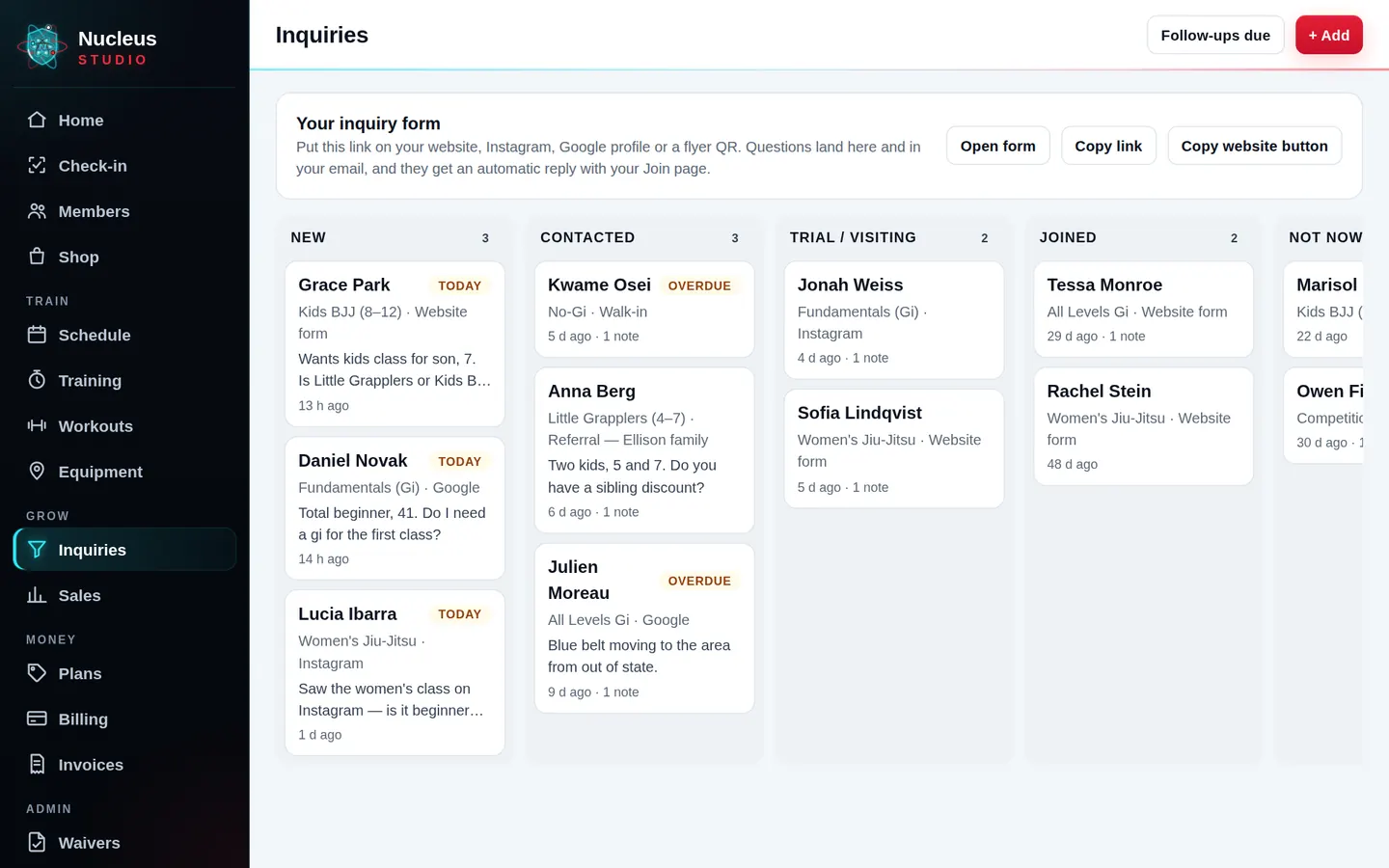
Yes, three ways, in Settings → Website & leads: a link or button to your hosted free-trial, Join and question pages; a small embed that adds a "Free trial" button or form to your site; or a webhook so the form you already use (Wix, Squarespace, WordPress, Zapier, Make and others) sends leads to Studio. Every lead lands in your pipeline with where it came from, and automatic follow-ups go out until they join.
Can I stop people taking free trial after free trial?
Yes. In Settings → Safety you allow a number of free trials per person in a time window. Studio matches a new trial to earlier ones by email, phone, name and birthday or device, then lets them in with a "Repeat trial" flag or turns them away kindly — your choice. Owners also keep a private blocklist and can flag members, leads or competitors.
Does it help with bills, accounting and sales tax?
Yes. Accounting keeps a bills calendar with reminders (Studio never pays anything for you), expenses in plain-English categories, income from Studio's own payments, a P&L by month, quarter or year, a sales tax tracker by filing period, and a 1099 helper. At tax time, "Download for my CPA" gives you one file with an Excel workbook, a PDF summary and every receipt. It's informational — Nucleus doesn't give tax advice.
We have a gym floor and a mat room. Does that work?
Yes. Pick "Fitness + martial arts" when you sign up. You get plans for the gym floor, the mats, or both, classes split by room, belt tracking for your students and ready-made workouts for your gym members. Running two areas is included in your monthly price.
Is it for yoga, pilates and boutique studios?
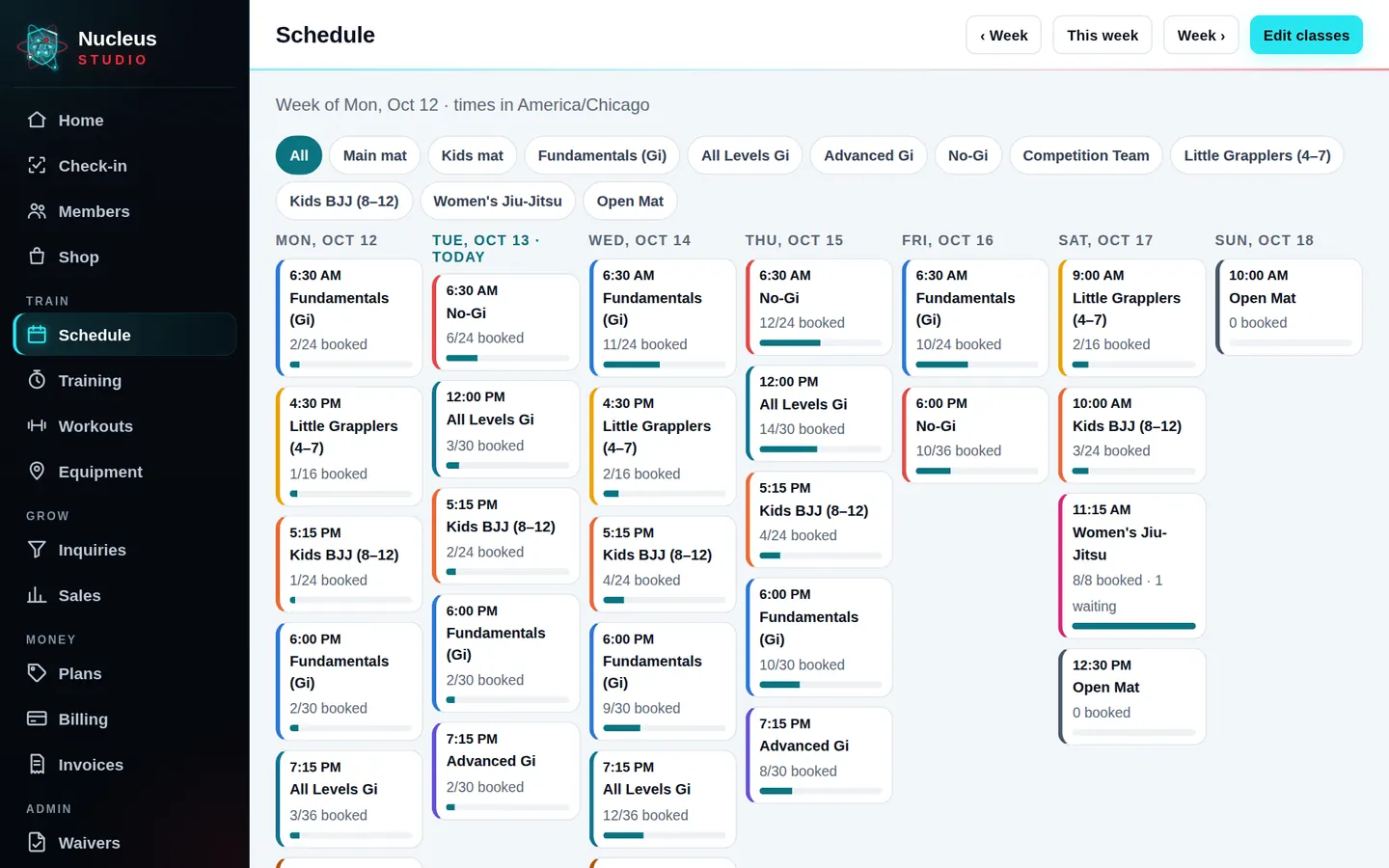
Studio fits class-based studios well: booking with caps and waitlists, class packs, drop-ins and memberships, waivers and studio rules signed online, private sessions and a member app. There's no yoga-specific sample setup yet — you start from the fitness-studio sample and rename the classes to yours. See boutique studios.
What do I need for check-in?
Any iPad or Android tablet at the front desk. Pair it with a code from Settings and it becomes a kiosk. A USB or Bluetooth barcode scanner also works if you have one. The tablet is locked to check-in: it can't open your members, billing or settings, and only your exit PIN takes it out of check-in mode.
Can it carry our logo instead of yours?
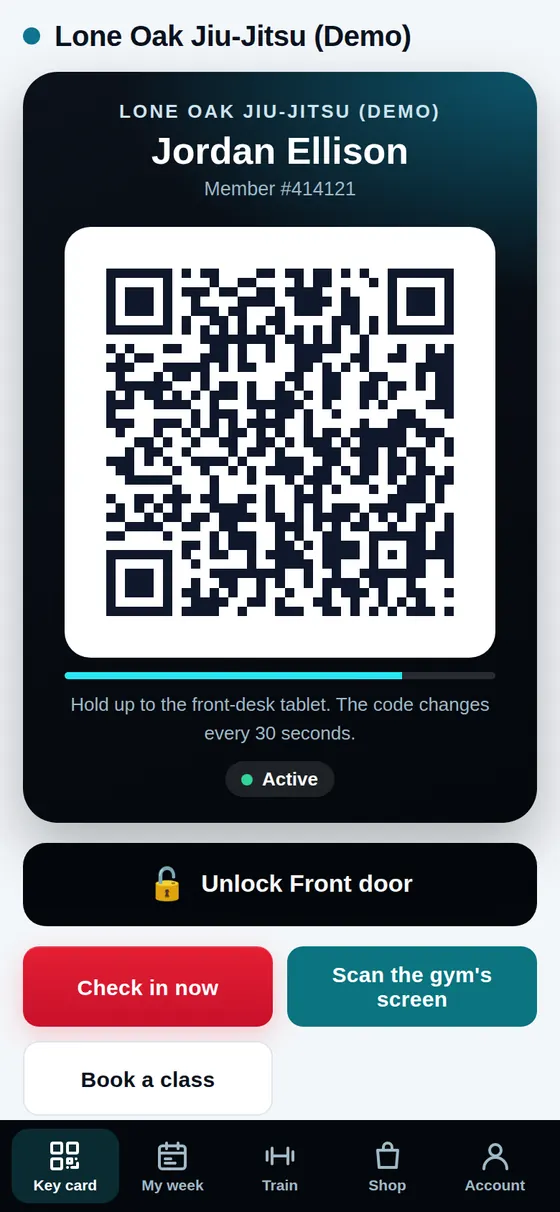
Yes, on every plan. Upload your logo in Settings → Logo & branding and it shows on the member app, key card, front-desk tablet, Join and inquiry pages, invoices, receipts and emails, with a small "Powered by Nucleus Studio" at the bottom.
Can members see only our brand, with no Nucleus name?
Yes, with Your brand: included on every plan. Your logo, colors and name on every page members see (Join, questions, booking, pay and tournament pages, the member app, the check-in tablet, invoices and receipts), your own web address like join.yourgym.com, and emails sent from your own domain. Your staff see a tiny "Runs on Nucleus" in the staff app; members never do.
Can members buy drinks and protein shakes?
Yes. Add your products and stock, then sell at the desk, let members order and pay in the app (card on file or Apple Pay), or put a grab-and-go on the tablet where members use their member number and PIN. Tabs are optional.
How do personal trainers use it?
Each trainer gets their own login and week. They drag clients onto times, move sessions with a drag, and tap Done to use a session from the client's pack. In Coaches Corner they map out each client's program — phases, a weekly plan, sets, reps and load — and the client sees the weeks ahead in their app. Optional nutrition coaching lets trainers write simple plans after the client ticks a disclaimer (guidance comes from your trainers, not Nucleus). You see every trainer's week and numbers.
Can my instructors teach private lessons through the academy?
Yes. Turn on a private-lesson space for any coach: their own clients, packages and prices, hours and earnings, and members can "Book a private with Coach X" in the app. You set a facility fee (0–50%) or mark it free of charge with your own thank-you note. Packages are paid to the academy, and Studio keeps what you owe each instructor until you mark it paid.
I'm a personal trainer or private instructor on my own. Is there a plan for me?
Yes, Studio Solo: one coach, unlimited clients, your calendar across every place you train, your own packages and prices, day-before reminders with your note, workouts or drills on each client's app, and your own booking page. $39/month after a 30-day free trial.
What happens after the trial?
Pick the plan for your size and keep going. If you don't, your account pauses, and your members and history are kept.